Cleaning between guests: how to run a stress-free turnover
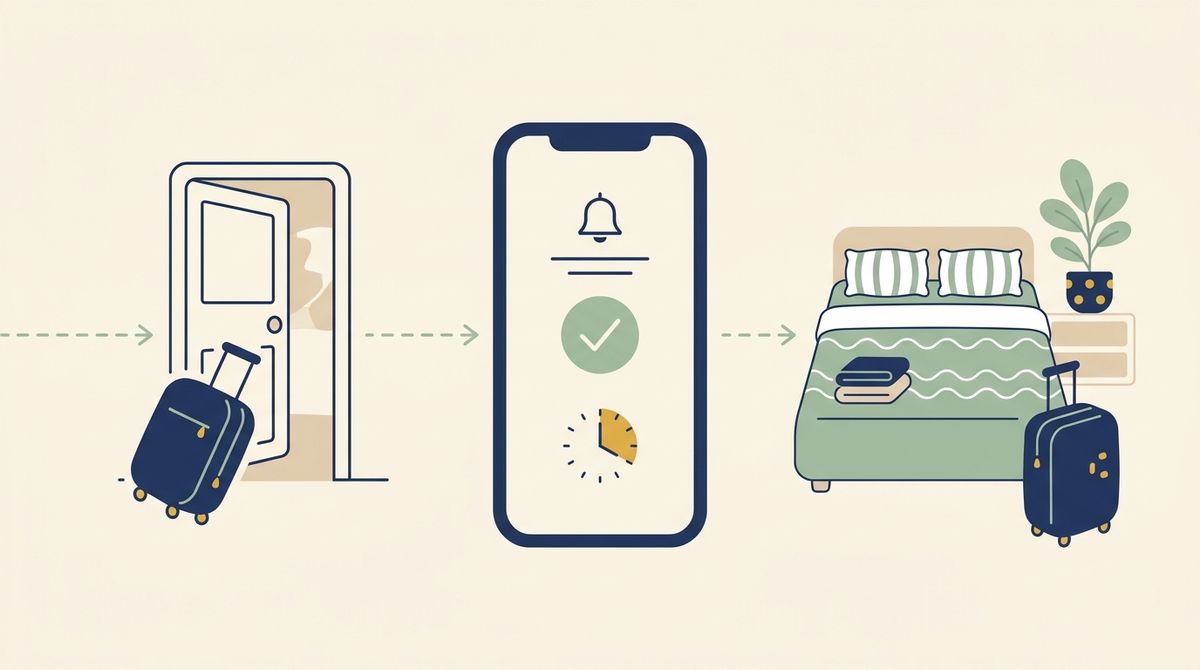
11am: the guest hands back the keys. 3pm: the next one rings the doorbell. In between, four hours to change the beds, clean the bathroom, empty the bins, restock the coffee and check that nothing has been damaged. In short-term rentals, cleaning between two guests is the moment when everything can go wrong.
The good news: a smooth turnover owes far more to organisation than to luck. Here is how to prepare it, step by step, and what Calensi can automate for you.
Why turnover day is the most fragile moment
On paper, it's simple: a check-out, a clean, a check-in. In practice, problems almost always come from the same places:
- the window is shorter than planned, because a guest leaves late or the next one arrives early;
- a booking is added, moved or cancelled, and your cleaner never hears about it;
- your usual cleaner is ill or already booked elsewhere, and nobody finds out in time;
- a small detail slips through: spare linen, coffee pods, the recycling.
Each of these has a fix. None of them requires spending your days on the phone.
1. Know your real cleaning window
The cleaning window runs from the guest's check-out to the next guest's check-in. With an 11am check-out and a 3pm check-in on the same day, that's four hours, not a minute more.
In Calensi, every turnover automatically creates a cleaning job that fits this window. If a guest tells you they'll leave at 10am instead of 11am, you enter the actual dates and times on the booking: the window is recalculated, without changing anything on the platform. You can also set a tighter deadline ("clean by"), which will never go past the next check-in.
2. A schedule that updates itself
The worst enemy of a turnover is an out-of-date schedule. Calensi imports your Airbnb, Booking.com and Vrbo bookings via iCal, with automatic syncing roughly every hour, or straight from your PMS: Lodgify, Smoobu or Beds24. Each sync realigns your cleaning jobs: a stay moves, the window adjusts; a stay is cancelled, the clean is removed; a new booking comes in, a new clean is created.
One thing to watch for same-day turnovers: some iCal links show two back-to-back stays as a single blocked period. In that case, there's no way to tell that a clean is needed in between. If you work with a PMS, use its API connection instead, which passes on the real check-in and check-out dates. You'll find the available connectors on our integrations page.
3. Alert the right cleaner at the right time
For each property, you choose when a job is offered to your main cleaner: as soon as the booking is known, or a few days before the clean, so their list isn't cluttered with jobs months away.
If they don't confirm, Calensi sends them a reminder halfway through the response time. Still nothing? If you've set up backups, the job is offered to them automatically, one after the other or all at once depending on the mode you choose. And if nobody takes it, you are the one who gets alerted, well before the next guest is on the doorstep.
Good habit: set up at least one backup cleaner per property.
4. One checklist per property, photos on every visit
With a four-hour window, nobody has time to hunt for the towels. A task list specific to each property prevents oversights and lets a backup who has never been there work just like your regular cleaner. It's all explained in our article on cleaning checklists.
When starting the job, the cleaner takes at least one start-of-job photo, so you can see the state the guest left the place in. On marketplace jobs, a final photo is also required, unless the checklist already includes a photo task. If there's an issue with a guest, these dated photos help you build your file.
5. No cleaner in your city? Use the marketplace
Starting out in a new city, or short-staffed in high season? You can open a job to the public: it is first reserved for your own team during an exclusivity period, then published on the Calensi cleaner marketplace.
On pricing, the subscription is €0 during the launch phase, and cleaners you invite yourself come with no fee. Only using the Calensi cleaner marketplace is charged: 5% excl. VAT, with a €2 minimum.
Quick checklist for a same-day turnover
- The day before, check the check-out time the guest gave you and update it if needed.
- Make sure the job is "Accepted", not still "To confirm".
- Keep spare linen on site or nearby.
- Keep the task list up to date, especially after any change of equipment.
- Ask for start-of-job photos from the same angles on every visit.
- Leave some margin before the next check-in rather than aiming for the last minute.
Less stress, more smooth turnovers
A successful clean between two guests means a known window, an up-to-date schedule, a cleaner alerted in time, a backup ready to step in and a clear task list. Calensi recalculates the window, keeps the schedule up to date, reminds your cleaner and hands the job over to your backups; it's up to you to choose them and keep your task lists current.
See how Calensi organises cleaning for your short-term rentals: discover Calensi.