Why Your Airbnb Calendar Stopped Syncing with VRBO and How to Fix It
Why Your Airbnb Calendar Stopped Syncing with VRBO and How to Fix It
You listed your property on both Airbnb and VRBO, set up the iCal sync months ago, and it worked fine — until it didn't. Now you're staring at a double booking, or you noticed a gap in your VRBO calendar that Airbnb already blocked. Sound familiar?
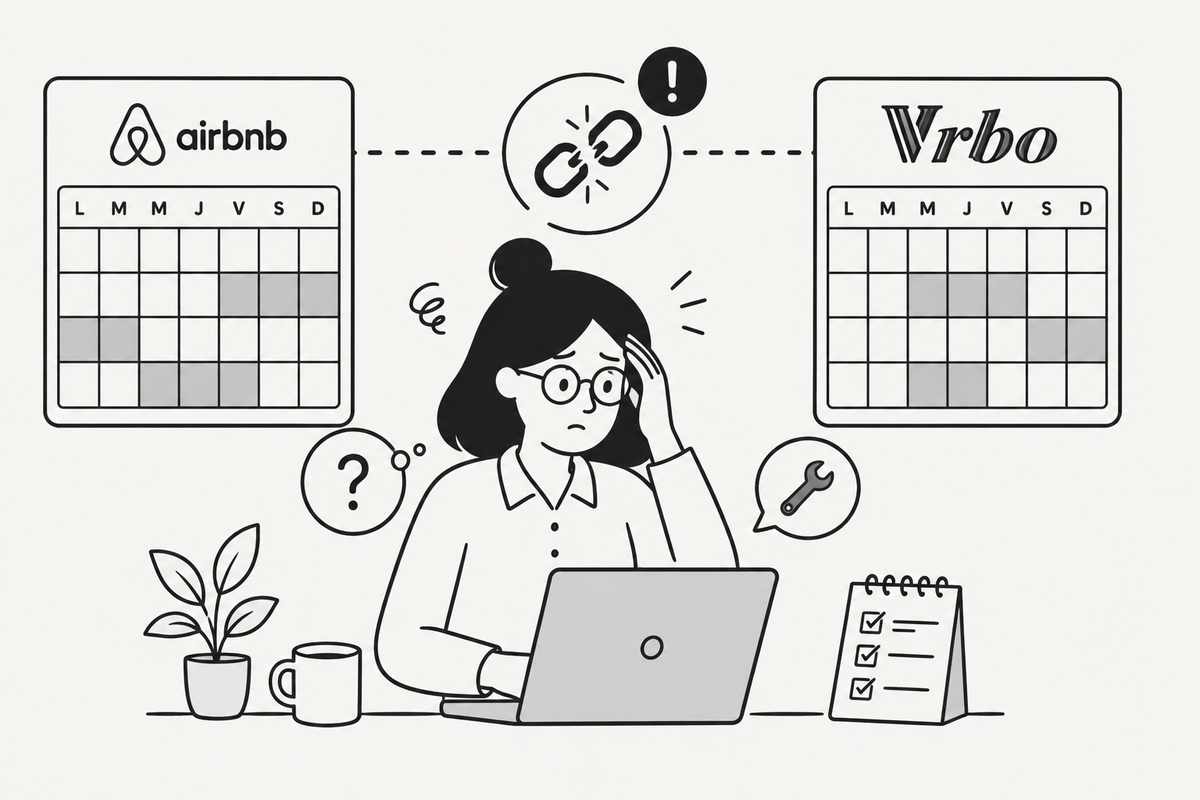
iCal synchronization between Airbnb and VRBO is not a live, real-time connection. It's a scheduled pull of a static file, and that distinction matters enormously when something goes wrong. The sync can break silently — no error message, no notification, just two calendars quietly drifting apart.
In this article I'll explain exactly why this happens, how to diagnose the issue in under five minutes, and how to fix it properly. I'll also cover when a dedicated sync tool makes more sense than managing raw iCal links yourself.
How the Airbnb–VRBO iCal Sync Actually Works
Before debugging anything, it helps to understand the mechanism.
Both Airbnb and VRBO expose your calendar as an iCal feed — a plain-text .ics file hosted at a unique URL. When you connect the two platforms, you're telling Platform B to periodically download Platform A's .ics file and block those dates in its own calendar.
Key facts to keep in mind:
- The sync is one-way per link. To sync bidirectionally, you need two links: one exported from Airbnb and imported into VRBO, and one exported from VRBO and imported into Airbnb.
- The refresh interval is not instant. Airbnb refreshes imported iCal feeds roughly every 2 to 4 hours. VRBO's refresh cycle is similar, sometimes stretching to 6 hours. This is normal and by design.
- Neither platform notifies you when a sync fails. If the URL becomes invalid or the file can't be fetched, the calendar simply stops updating.
This architecture is the root cause of almost every sync problem hosts encounter.
The 5 Most Common Reasons the Sync Breaks
1. The iCal URL Changed
This is the most frequent culprit. Airbnb regenerates your iCal export URL whenever you:
- Change your account password
- Revoke and reconnect a third-party app
- Contact Airbnb support and they reset something on the backend
- Disconnect and reconnect your listing from a channel manager
If the URL you gave VRBO is now stale, VRBO is fetching a 404 or an empty response — and silently stops updating.
2. You Set Up a One-Way Sync Instead of Two-Way
Many hosts set up only one link: Airbnb → VRBO. This means VRBO blocks dates that Airbnb fills, but Airbnb has no idea when VRBO gets a booking. The result is Airbnb happily accepting reservations on dates VRBO already sold.
A proper bidirectional sync requires two separate iCal connections.
3. The Link Was Accidentally Deleted
VRBO's calendar import interface lets you delete external calendar links. It's easy to accidentally remove one while editing another. Check your imported calendars list in your VRBO dashboard — the link may simply be gone.
4. A Platform Update Broke the Feed Format
Occasionally, Airbnb or VRBO updates the structure of their iCal output. Third-party parsers handle this gracefully, but platform-to-platform imports sometimes choke on minor format changes. This is rare but worth checking after major platform updates.
5. Your Listing Was Paused or Deactivated
If your Airbnb listing was temporarily deactivated — even briefly — the iCal feed may stop responding. Reactivating the listing sometimes generates a new URL.
How to Diagnose the Problem in 5 Minutes
Follow these steps before touching anything.
Step 1 — Test the Airbnb iCal URL directly
- In Airbnb, go to Calendar → Availability Settings → Export Calendar
- Copy the
.icsURL - Paste it directly into your browser address bar
- You should see a plain-text file beginning with
BEGIN:VCALENDAR
If you get an error page or a blank response, your Airbnb feed is broken. Move to the fix section below.
Step 2 — Check what VRBO has imported
- In VRBO, go to Calendar → Import/Export → Manage imported calendars
- Look at the list of imported iCal feeds
- Verify the Airbnb URL listed there matches exactly what you copied in Step 1
If they don't match, the old URL is stale.
Step 3 — Test the VRBO iCal URL
Do the same thing in reverse: export your VRBO calendar URL, paste it in a browser, confirm you get a valid .ics file. Then check that Airbnb has it imported correctly under Calendar → Import Calendar.
Step 4 — Check the last sync timestamp
VRBO shows a "last updated" timestamp next to each imported calendar. If it hasn't refreshed in more than 12 hours, something is wrong with the feed or the URL.
Common trap: Don't assume the sync is working just because it worked last week. Always verify the timestamp after making any account changes.
Step-by-Step Fix: Reconnect Your Airbnb–VRBO iCal Sync
Fix the Airbnb → VRBO direction
On Airbnb (desktop only for export):
- Log in at airbnb.com
- Go to Calendar for the affected listing
- Click Availability Settings (top right)
- Scroll to Sync calendars → Export calendar
- Copy the new
.icsURL
On VRBO:
- Log in at vrbo.com and go to your property dashboard
- Navigate to Calendar → Import/Export
- Delete the old Airbnb calendar entry if it exists
- Click Import calendar, paste the new URL, give it a name (e.g., "Airbnb – [Property Name]")
- Save
Fix the VRBO → Airbnb direction
On VRBO:
- In Calendar → Import/Export, click Export calendar
- Copy the
.icsURL
On Airbnb:
- Go to Calendar → Import Calendar
- Delete the old VRBO entry if present
- Paste the new VRBO URL and save
Verify the fix
Wait 15–30 minutes, then create a test blocked date on Airbnb and check whether it appears on VRBO within a few hours. Remember: the delay is normal. If it still doesn't appear after 6 hours, repeat the diagnosis steps above.
Common trap: Don't test with a real reservation. Block a date manually for testing, then unblock it. Testing with an actual booking creates unnecessary cancellation risk.
When iCal Sync Is No Longer Enough
Raw iCal sync between Airbnb and VRBO works — but it has hard limits:
- 2–6 hour delay means a fast guest on one platform can book a date that's already taken on another, before the sync catches up
- No error alerts when a feed breaks
- Manual maintenance every time a URL changes
- No visibility into which platform caused a conflict
If you're managing more than two platforms, or if you've had a double booking already, the iCal-only approach starts costing you more in stress and risk than it saves in subscription fees.
Tools like Hospitable, Smoobu, or Hostaway offer near-real-time sync through direct API connections, but they're priced for hosts with larger portfolios and come with feature sets you may not need.
For hosts with 1 to 5 properties who want reliable sync without paying for an enterprise channel manager, Calensi sits in a practical middle ground: it monitors your iCal feeds, alerts you when a sync breaks, and adds housekeeping automation on top of the calendar layer — so your cleaner knows about a new booking without you forwarding anything manually.
My Recommendation
If you have one or two properties and you've never had a double booking, the native iCal sync between Airbnb and VRBO is probably fine. Just set a reminder to verify the sync URLs every time you change your Airbnb password or contact platform support.
If you've already had a double booking, or if you're adding a third platform (Booking.com, direct booking site, etc.), stop relying on manual iCal management. The time you spend debugging broken links and the cost of one double-booking cancellation penalty outweigh a modest monthly tool subscription many times over.
Whatever you choose, the non-negotiable baseline is this: always run a bidirectional sync, always test after any account change, and always check the last-updated timestamp at least once a week.
Frequently Asked Questions
How long does it take for Airbnb and VRBO to sync after I fix the iCal link?
Typically 2 to 4 hours for Airbnb to pull the updated feed, and up to 6 hours for VRBO. If nothing has synced after 8 hours, the URL is likely still incorrect or the feed is returning an error.
Why does VRBO show my Airbnb calendar as "not updated" even though the link looks correct?
The URL may be valid but the feed could be returning an empty or malformed file. Paste the URL directly into a browser to confirm it returns a proper .ics file starting with BEGIN:VCALENDAR.
Do I need to reconnect the iCal every time I change my Airbnb password?
Not always, but it's a common trigger for URL invalidation. After any password change, test both URLs immediately rather than waiting to discover a sync failure through a double booking.
Can I sync more than two platforms using iCal?
Yes. Each platform can import multiple iCal feeds. If you're on Airbnb, VRBO, and Booking.com, each platform should import the other two's feeds. This creates a mesh of six iCal links to maintain — which is where dedicated tools start to earn their keep.
Is there a way to get real-time sync between Airbnb and VRBO without a channel manager?
No. Neither Airbnb nor VRBO offers a public API for real-time calendar sync to external parties without going through an approved channel manager. The 2–6 hour iCal delay is the floor for DIY setups.
What happens to my VRBO calendar if I delete and re-add the Airbnb iCal link?
Previously imported blocks from the old link are typically removed when you delete it. After re-adding the correct URL, VRBO will re-import all current blocks from the fresh feed on its next refresh cycle. There's a short window where the calendar looks empty — don't panic, and don't manually re-enter dates.
Conclusion
A broken Airbnb–VRBO calendar sync is almost always caused by a stale iCal URL, a missing second link, or an accidentally deleted import — all fixable in under ten minutes once you know where to look. The harder problem is that these breaks happen silently, and by the time you notice, you may already have a conflict.
If you want to stop babysitting iCal URLs and get alerts the moment something breaks, take a look at Calensi — it's built specifically for small hosts who need reliable sync without the complexity of an enterprise channel manager.