What Happens When You Get a Double Booking on Airbnb (And How to Prevent It)
What Happens When You Get a Double Booking on Airbnb (And How to Prevent It)
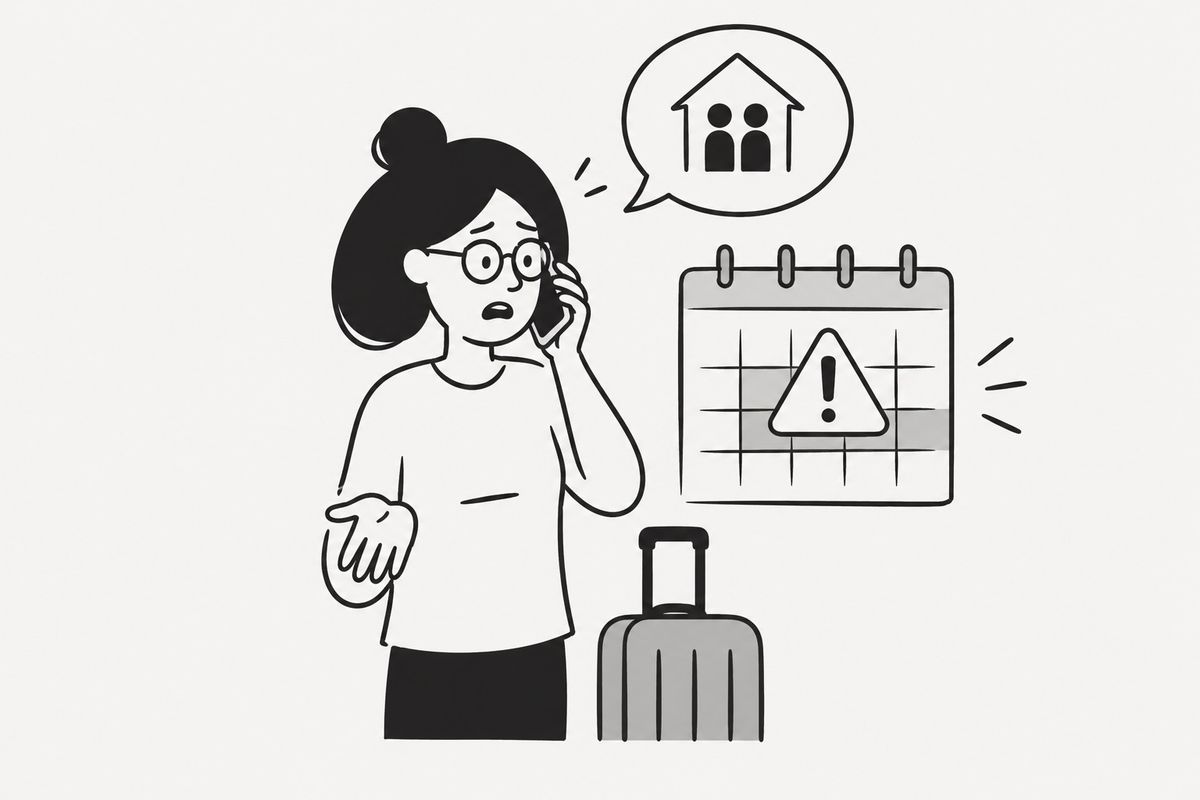
Double bookings are one of the most stressful situations a short-term rental host can face. Two guests, one property, the same dates — and you're the one who has to fix it. If you're reading this because it just happened to you, I'll walk you through exactly what to expect. If you're reading this to prevent it, I'll give you the honest breakdown of why it happens and what actually works.
Let me be direct: Airbnb's calendar system does not protect you from double bookings by default. The platform assumes you're managing your availability correctly. When something goes wrong, the consequences fall on you first.
Here's everything you need to know.
Why Double Bookings Happen on Airbnb
Before we get into consequences, it's worth understanding the root causes — because the fix depends entirely on which one applies to you.
You're listing on multiple platforms without syncing calendars
This is by far the most common cause. You list on Airbnb, Booking.com, and VRBO. A guest books on Booking.com for a weekend in July. You forget to block those dates on Airbnb. Another guest books the same weekend on Airbnb. You now have a double booking.
The platforms don't talk to each other automatically. You have to connect them — either manually, through iCal links, or through a channel manager.
iCal sync delays
Even if you've connected your calendars via iCal, there's a lag. Airbnb's iCal feed typically refreshes every 2 to 6 hours, depending on how the receiving platform is configured. A booking made on Booking.com at 10 PM might not appear as blocked on Airbnb until 2 AM — leaving a window where someone else can book.
This is a structural limitation of the iCal protocol, not a bug. It's important to understand this.
Manual errors
Accidentally unblocking dates, forgetting to update the calendar after a direct booking, or miscounting checkout/check-in dates — these are all real and common mistakes, especially when you're managing things from your phone.
What Airbnb Does When You Have a Double Booking
When you cancel a confirmed reservation as a host, Airbnb's response is systematic and not gentle.
Automatic penalties
Airbnb applies penalties for host-initiated cancellations. Here's what typically happens:
- A $50–$100 cancellation fee is deducted from your future payouts (the exact amount depends on your cancellation history and the timing of the cancellation)
- Automatic calendar block for the cancelled dates — Airbnb blocks those dates on your listing for the duration of the original reservation, even after you cancel
- A permanent mark on your profile — cancelled reservations appear in your host dashboard and can affect your Superhost status
- Review impact — the guest may leave a review about the cancellation, which will be visible on your profile
Impact on Superhost status
Airbnb's Superhost criteria require a cancellation rate below 1%. If you cancel even one reservation per year, depending on your booking volume, you may lose Superhost status. This directly affects your visibility in search results.
The guest's experience
Airbnb will notify the affected guest, help them find alternative accommodation, and in some cases offer them a coupon. The guest will be frustrated — rightfully so. Depending on the circumstances (a holiday weekend, a sold-out city), finding equivalent accommodation at short notice may be genuinely difficult for them.
What You Should Do Immediately After a Double Booking
If you're in this situation right now, here's the order of operations.
1. Decide which reservation to cancel. Usually this means cancelling the more recent booking, but consider: which guest has more flexibility? Which booking is further out? Is one a long-term guest with flights already booked?
2. Contact both guests proactively. Don't wait for Airbnb to do it. Message both guests immediately, explain the situation honestly, and apologize. Guests respond better to transparency than to silence.
3. Cancel through the Airbnb resolution center. Go to your Airbnb host dashboard → Reservations → select the reservation → Cancel reservation. Choose the most accurate cancellation reason. Do not try to get the guest to cancel — Airbnb tracks this as a host-initiated cancellation regardless.
4. Help the affected guest find alternatives. This is optional but strongly recommended. Search for similar listings in your area and send them links. It won't undo the damage, but it shows good faith.
5. Fix the root cause immediately. Before anything else, block the dates across all platforms and audit your calendar connections.
How to Prevent Double Bookings: Honest Options
There are several approaches, each with real trade-offs.
Option 1: Manual calendar management
If you have one property on one platform, manual management is fine. Block dates immediately after every booking, check your calendar daily, and set reminders. This works — until it doesn't.
If you list on two or more platforms, manual management is genuinely risky. The cognitive load is high, and one moment of distraction is all it takes.
Option 2: iCal sync between platforms
Every major platform — Airbnb, Booking.com, VRBO — supports iCal export and import. You can connect them yourself, for free, in about 20 minutes.
The process: export your Airbnb iCal URL → import it into Booking.com, and vice versa. Repeat for each platform pair.
Trap to avoid: iCal sync is one-directional per link. You need to set up imports and exports on both sides, for every platform pair. With three platforms, that's six links to manage. Miss one, and you have a gap.
The other limitation is the sync delay I mentioned earlier — 2 to 6 hours. For high-demand properties in competitive markets, this window is real.
Option 3: A channel manager
Tools like Hospitable, Smoobu, Hostaway, Lodgify, and Beds24 offer real-time or near-real-time calendar synchronization across platforms. They also handle messaging, pricing, and reporting.
These are excellent tools — but they're priced for hosts with 5+ properties or professional operations. If you have one or two listings and a tight budget, paying €50–€150/month for a full channel manager is hard to justify.
Option 4: A focused sync tool
This is where Calensi fits in. It's built specifically for hosts with 1 to 5 properties who need reliable calendar sync and automated cleaning coordination without paying for features they don't use. The sync frequency is faster than native iCal, and the setup takes minutes rather than hours.
If you're a small host who's been burned by a double booking and wants a straightforward fix, it's worth looking at. If you're managing 10+ properties and need a full PMS, you'll want one of the channel managers mentioned above — that's just the honest answer.
My Recommendation
If you've had a double booking, or you're worried about one, here's my practical advice based on the size of your operation:
One property, one platform: Use Airbnb's native calendar tools. Block dates manually after direct bookings. Set a weekly calendar audit reminder. You don't need anything else.
One to three properties, two or more platforms: Set up iCal sync immediately if you haven't. Accept that there's a 2–6 hour vulnerability window and consider whether that's acceptable for your market. If you want to eliminate that window, a lightweight tool like Calensi is a proportionate solution.
Four or more properties, or professional hosting: Look seriously at Hospitable, Smoobu, or Beds24. The monthly cost is justified at that scale, and you'll get messaging automation and reporting on top of sync.
Whatever you choose, the most important step is doing something deliberate. "I'll be careful" is not a system.
Frequently Asked Questions
What happens to my Superhost status if I cancel a reservation due to a double booking?
Airbnb counts any host-initiated cancellation toward your cancellation rate. Superhost status requires a rate below 1%. If your booking volume is low, even one cancellation can push you over that threshold and cost you Superhost status for the next review period.
Can I ask the guest to cancel instead to avoid penalties?
Airbnb tracks this. If you pressure a guest to cancel a reservation you caused to be problematic, Airbnb may still apply penalties and can suspend your account for circumventing their cancellation policies. Don't do it.
Will Airbnb help me find the guest alternative accommodation?
Airbnb will notify the guest and may offer them a coupon or assistance finding another listing. You are not responsible for finding them accommodation, but proactively helping them is strongly recommended for your reputation.
How long does it take for iCal to sync between Airbnb and Booking.com?
The standard iCal refresh rate is every 2 to 6 hours, depending on how frequently the receiving platform polls the feed. This means there is always a window of vulnerability. Some tools refresh more frequently than the native iCal protocol allows by using API connections instead.
Does Airbnb charge a fee for host cancellations?
Yes. Airbnb typically deducts $50–$100 from future payouts for host-initiated cancellations. The exact amount depends on your cancellation history and the notice period. Repeated cancellations result in higher fees and potential listing suspension.
Can a double booking be removed from my hosting record?
In rare cases — such as documented platform errors — Airbnb support may waive penalties. You'll need to contact Airbnb directly and provide evidence. This is not guaranteed and shouldn't be relied upon as a strategy.
Conclusion
A double booking on Airbnb triggers automatic penalties, harms your Superhost status, and damages your reputation with guests. It's painful, but it's also almost always preventable.
The root cause is almost always the same: calendars that aren't connected, or connected with too much lag. The fix is a deliberate system — iCal sync at minimum, a dedicated tool if you're listing on multiple platforms and can't afford the risk.
If you want to set up reliable calendar sync across your platforms without paying for a full channel manager, Calensi is worth a look. It's designed for exactly this problem.