How to Sync Your Airbnb Calendar with Booking.com: Step-by-Step Guide (2026)
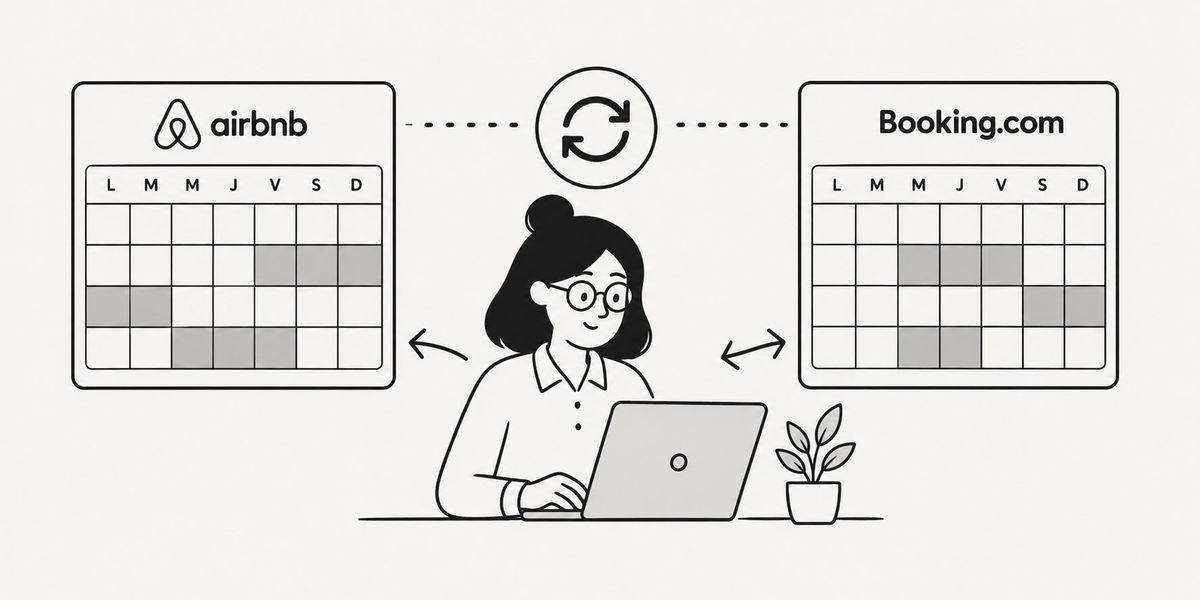
How to Sync Your Airbnb Calendar with Booking.com: Step-by-Step Guide
Managing your property on both Airbnb and Booking.com at the same time, and you've nearly accepted two bookings for the same dates? You're not alone. Double bookings are the number one nightmare for multi-platform hosts, and they happen faster than you'd think when you manage availability manually.
The good news: both platforms support the iCal protocol, an open standard that lets you export and import calendars between services. With a few minutes of setup, your two calendars can stay in sync — with some important caveats about timing that I'll address honestly further down.
In this guide, I'll walk you through how to sync your Airbnb calendar with Booking.com step by step, what the native method does well, what it doesn't do, and when it's worth going further with a dedicated tool.
What iCal Sync Does (and Doesn't Do)
Before diving into the setup, let's set clear expectations to avoid disappointment.
What iCal syncs:
- Blocked dates (confirmed bookings and manual unavailability)
- Cancellations, with a delay
What iCal does NOT sync:
- Pricing
- Guest information
- Stay rules (minimum length of stay, etc.)
- Messages or guest communication
The critical point: sync delay. iCal is not real-time. Airbnb and Booking.com refresh iCal feeds every 2 to 4 hours on average, sometimes more depending on server load. This means a booking made on Airbnb at 2pm may not appear as blocked on Booking.com until 4pm or 6pm. That window is your risk zone for a double booking.
Common trap: Don't assume the sync is instant. If your property is in high demand on both platforms simultaneously (holiday weekends, local events), this delay can cost you dearly.
Step 1 — Export the iCal Link from Airbnb
The sync works in both directions: you need to export Airbnb's calendar to import into Booking.com, and vice versa.
On desktop (recommended for initial setup):
- Log in to your Airbnb host account at airbnb.com.
- Go to Host Dashboard → Calendar.
- Select the listing if you have multiple properties.
- Click the Settings icon (gear wheel) at the top right of the calendar.
- Scroll down to the Sync Calendars section.
- Click Export Calendar.
- Copy the generated iCal link (it looks like
https://www.airbnb.com/calendar/ical/XXXXXXXX.ics?s=...).
On mobile: The feature is available in the Airbnb app, but the interface is harder to navigate. Stick to a desktop browser for this step.
Common trap: The Airbnb iCal link is unique and tied to your listing. If you have multiple properties, each listing has its own link. Don't mix up the URLs.
Step 2 — Import the Airbnb Calendar into Booking.com
Now that you have your Airbnb iCal link, you'll add it to the Booking.com extranet.
- Log in to your extranet at partner.booking.com.
- In the left menu, click Property → Calendar.
- Select the relevant property.
- Look for the Sync Calendar or iCal option (the label may vary slightly depending on your extranet version).
- Click Import Calendar.
- Paste the iCal URL copied from Airbnb.
- Give this connection a name (e.g., "Airbnb – Paris Apartment") to stay organized.
- Confirm.
Booking.com will read Airbnb's iCal feed and automatically block already-booked dates. The first sync can take up to 4 hours before the blocked dates appear.
Step 3 — Export the iCal Link from Booking.com
The sync must be bidirectional. You also need to import Booking.com reservations into Airbnb — otherwise, dates booked on Booking.com will remain visible and bookable on Airbnb.
- Still in the Booking.com extranet, go to Calendar → Sync Calendar.
- Click Export Calendar.
- Copy the iCal link generated by Booking.com.
Step 4 — Import the Booking.com Calendar into Airbnb
- Go back to your Airbnb dashboard → Calendar → Settings → Sync Calendars.
- Click Import Calendar.
- Paste the Booking.com iCal URL.
- Give the connection a name (e.g., "Booking.com – Paris Apartment").
- Confirm.
Confirmed Booking.com reservations will now appear as blocked in your Airbnb calendar, and vice versa.
Common trap: Many hosts complete steps 1 and 2 but skip steps 3 and 4. The result: Booking.com reservations don't block Airbnb. This is the number one cause of double bookings for hosts who "thought they had synced everything."
Step 5 — Test the Sync
Don't trust the setup without testing it.
Simple test:
- On Airbnb, manually block a future date (using the "Block these dates" option in the calendar).
- Wait 2 to 4 hours.
- Check on Booking.com that the date now shows as unavailable.
- Repeat in the other direction: block a date on Booking.com, wait, then verify it's blocked on Airbnb.
If after 6 hours the dates still haven't synced, check that the iCal URLs are correct and haven't expired. Airbnb iCal links are stable over time, but account updates can occasionally regenerate them.
The Real Limits of Native iCal Sync
Let's be honest: native iCal sync works perfectly if you manage 1 to 2 properties with moderate demand. Beyond that, or if your property is in high demand, the limitations become significant.
Unavoidable delay. The 2 to 4 hour latency can't be reduced with native iCal. It's a protocol constraint and a function of how often platforms re-read external feeds.
No price management. If you want to adjust rates across platforms or by season, iCal won't help. You have to do it manually on each platform.
No stay rules sync. Your minimum stay setting on Airbnb doesn't transfer to Booking.com.
No error alerts. If the iCal link breaks or expires, you get no notification. You discover the problem after a double booking.
Multi-property management becomes tedious. With 3 properties on 3 platforms, you have 9 iCal connections to configure and monitor. Manageable, but time-consuming.
When to Switch to a Dedicated Sync Tool
If any of these situations sound familiar, native iCal has hit its limits:
- You've had (or nearly had) a double booking despite iCal sync
- You manage more than 2 properties or more than 2 platforms
- You want to sync housekeeping and check-ins with your service providers
- You're spending time every week manually checking your calendars
Channel managers like Lodgify, Smoobu, Hospitable, or Hostaway offer near real-time sync (often under 15 minutes) via direct API connections with Airbnb and Booking.com. They also handle pricing, automated messaging, and stay rules. The trade-off: monthly subscriptions starting around $20–30/month for entry-level plans and exceeding $100/month for full-featured tiers.
For hosts managing 1 to 5 properties who mainly want to prevent double bookings and automate housekeeping without paying full channel manager prices, Calensi combines iCal calendar sync with housekeeping task management — without the overhead of a full channel manager.
My Recommendation
Here's how I'd summarize it based on your situation:
1 property on 2 platforms, normal demand: Native iCal sync as described in this guide is sufficient. Set it up correctly in both directions, test it, and check on it occasionally.
2–3 properties or high demand: Native iCal still works but exposes you to real double booking risk during peaks. Consider a tool with more frequent sync.
3+ properties, or you want to automate housekeeping: Move to a dedicated tool. The monthly cost is easily offset by time saved and Booking.com penalties avoided.
Frequently Asked Questions
How long does iCal sync take between Airbnb and Booking.com?
On average, between 2 and 4 hours. This depends on how often each platform re-reads external iCal feeds. You can't reduce this delay with the native method.
Does iCal sync block dates in both directions automatically?
Not automatically. You need to configure two connections: Airbnb's export into Booking.com AND Booking.com's export into Airbnb. If you've only set it up one way, your sync is incomplete.
What happens if a booking is cancelled? Does the calendar update?
Yes, but with the same 2 to 4 hour delay. A cancellation on Airbnb releases the date in the iCal feed, which Booking.com will pick up on its next refresh.
Can I sync more than two platforms this way?
Yes. You can import as many iCal feeds as you like into each platform. Airbnb and Booking.com both accept multiple simultaneous iCal connections. Complexity increases with the number of platforms, but technically it works.
Does iCal sync work with VRBO or other platforms?
Yes. VRBO and most vacation rental platforms support the iCal protocol. The process is identical: export the iCal link from each platform and import it into the others.
My Airbnb iCal link changed after an account update. What do I do?
If your iCal link has been regenerated, all connections using it are broken. You'll need to retrieve the new link from Airbnb's settings and manually update each import in the other platforms.
Conclusion
Syncing your Airbnb calendar with Booking.com step by step isn't complicated — it's a 10-minute job if you follow the four steps above. The real challenge is understanding the limits of this method: the 2 to 4 hour delay and the lack of alerts when a link breaks are real risks you need to either accept or mitigate.
If you're ready to go further — more frequent sync, automated housekeeping, a unified view of all your calendars — take a look at Calensi, built specifically for hosts managing a handful of properties without wanting to pay full channel manager prices.